SendXa
Files, text and images straight between two machines, in the browser
- Web
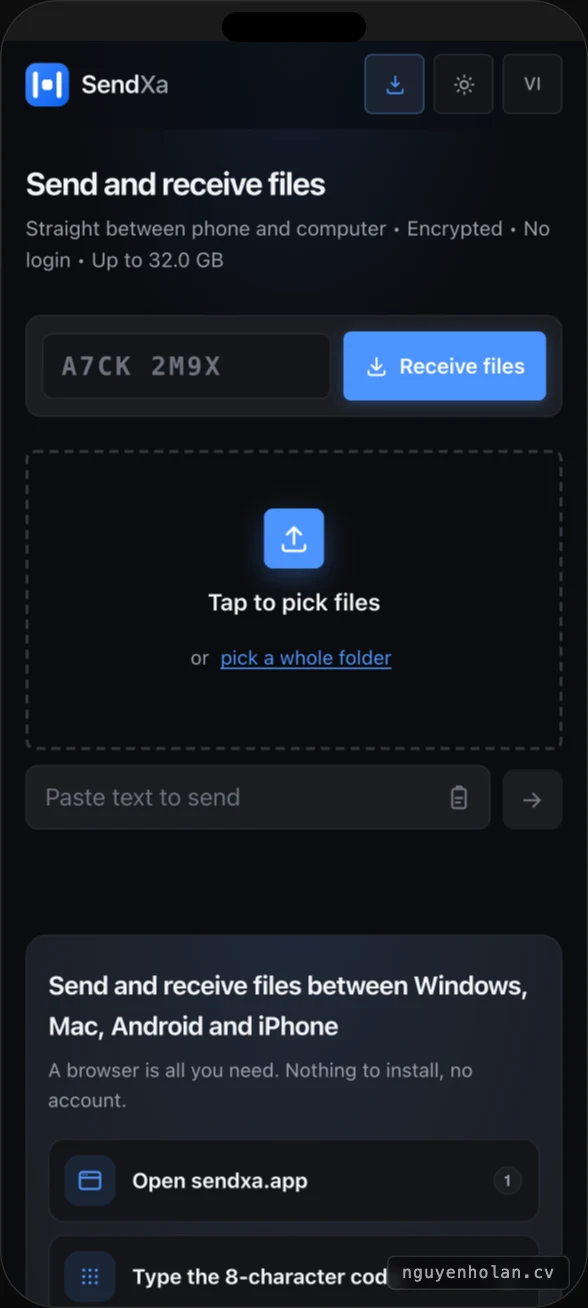
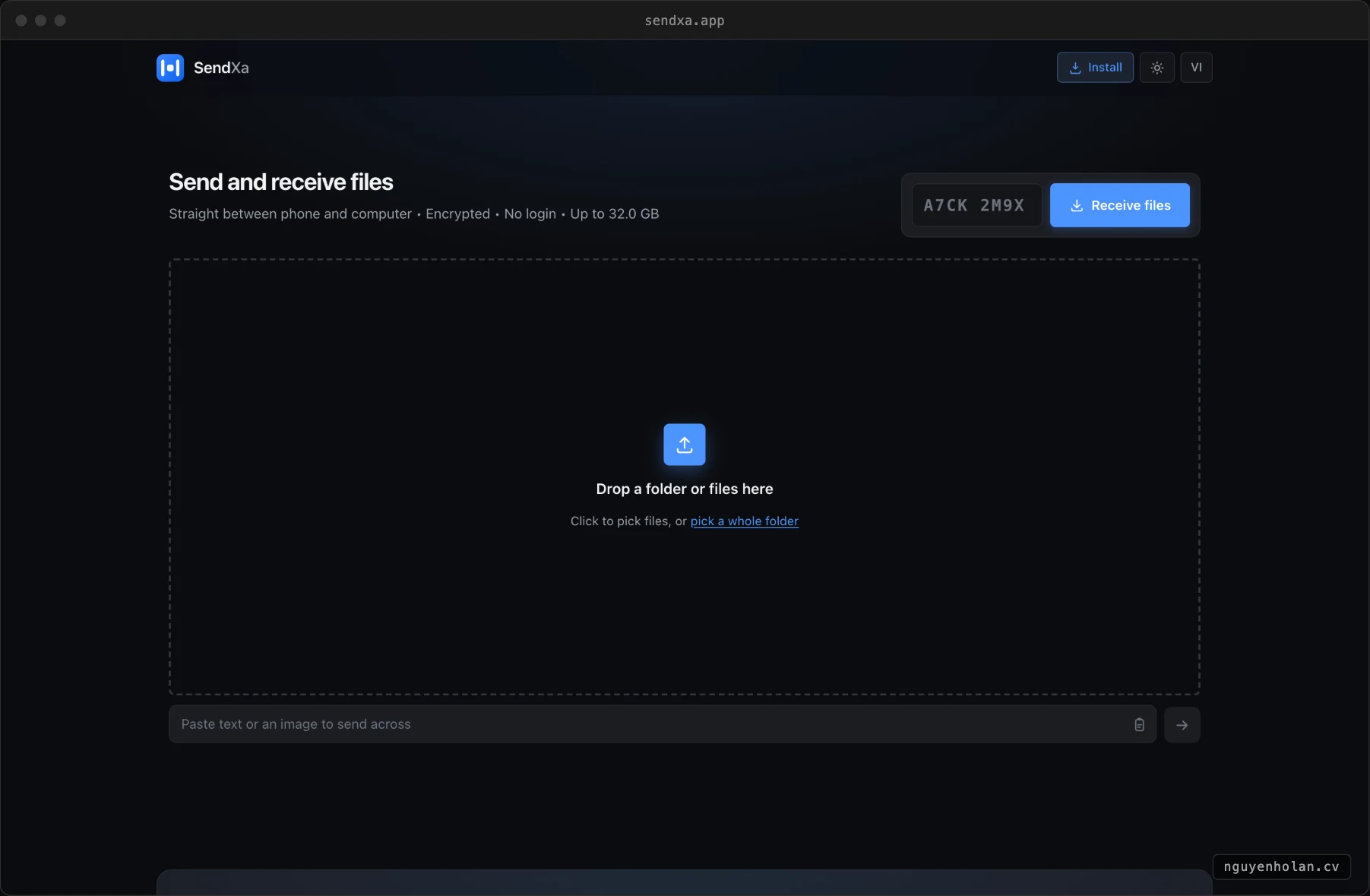
Open sendxa.app at both ends, type the eight-character code or scan the QR, and the two machines are connected. Drop a file in and it goes, up to 32 GB. Paste a piece of text or an image from the clipboard and that goes too, without saving it to a file first. No account, nothing to install, and the server keeps nothing.
Three steps
Open sendxa.app. Type the eight-character code. Download. Or scan the QR, or open the link you were sent. Clipboard text and images travel the same way, with no file to save first.
Service stats
Features
Eight-character code or QR
The two ends find each other with a short code, or by scanning.
Drag and drop
No limit on files per session; 32 GB per file.
Send from clipboard
Paste text or an image and send it as is.
Both directions
The receiving side can send back within the same session.
Encrypted end to end
Data stays encrypted the whole way.
Public stats page
Sessions, files delivered and average speed, open for anyone to read.
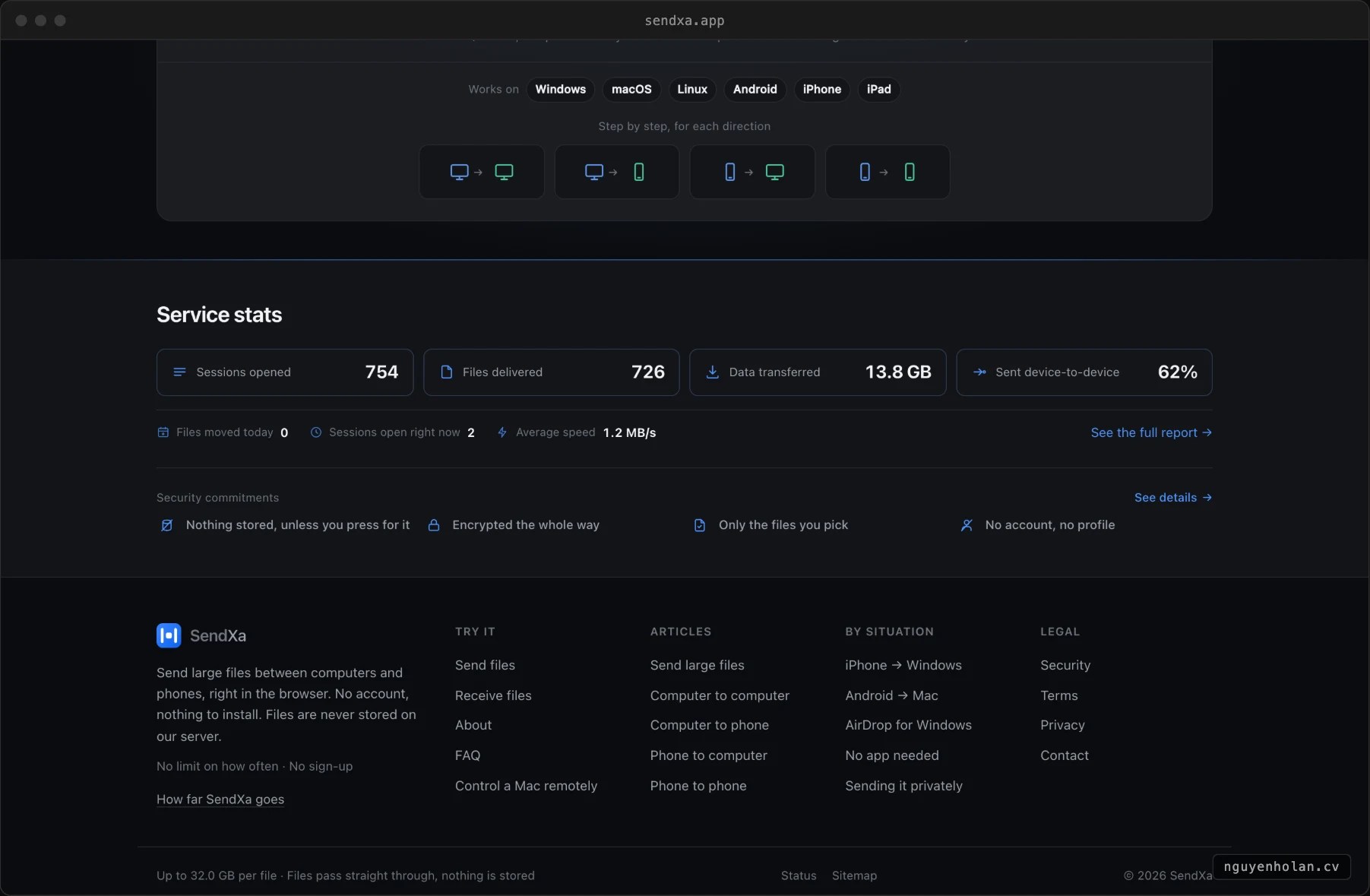
Stack and infrastructure
Screenshots