KTPDF
Edit PDFs in the browser or on your desktop — no account, no limits
- Web
- macOS
- Windows
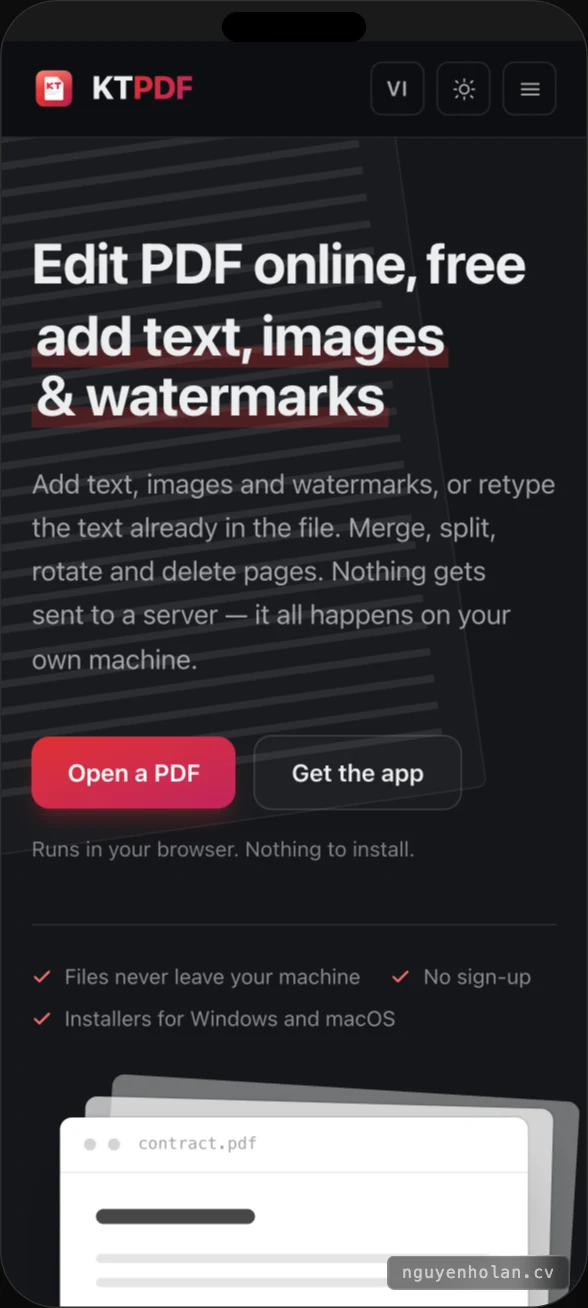
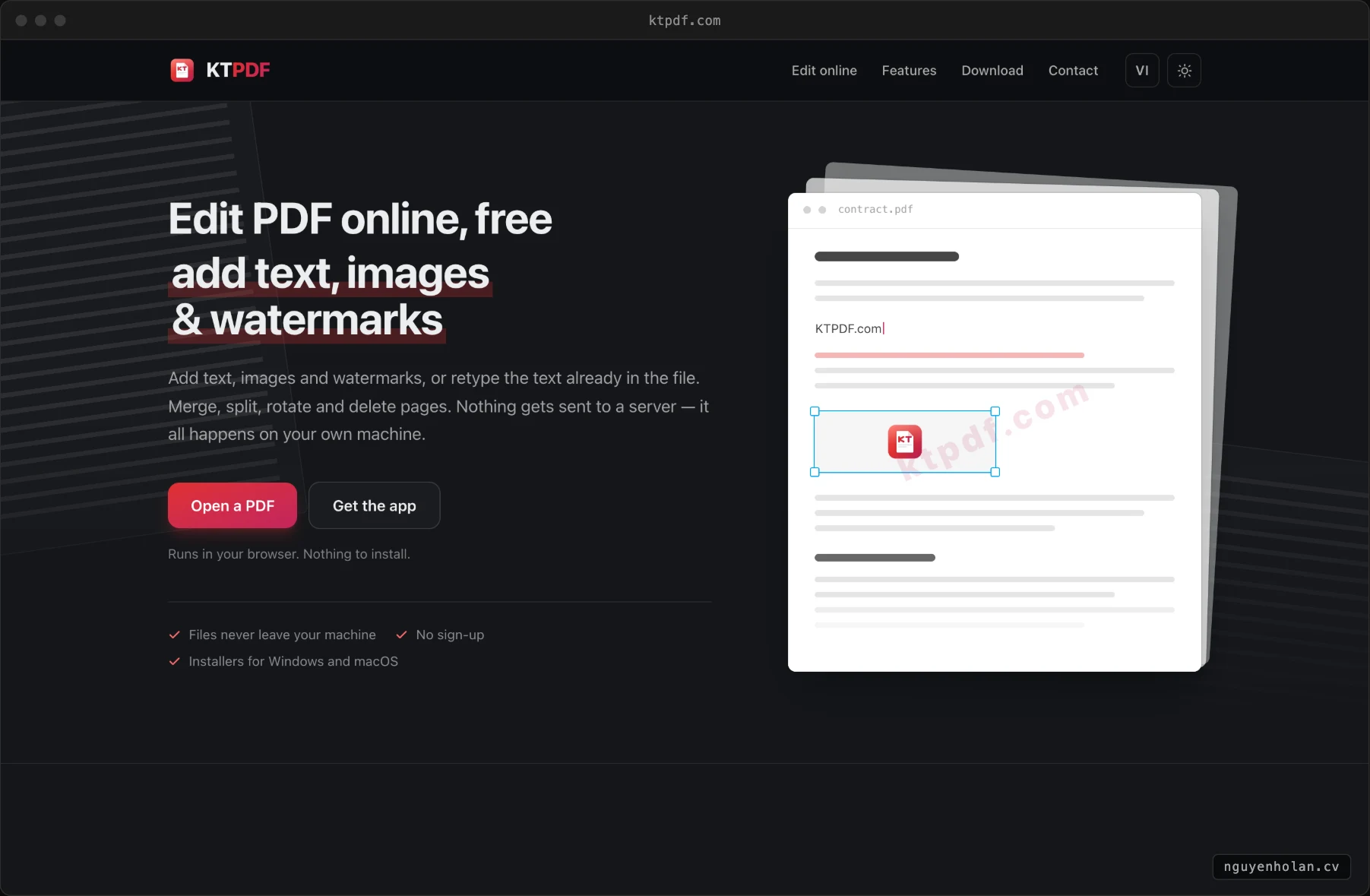
Retype the text already in the file, add text, images and watermarks. Merge, split, rotate and delete pages. There is no upload button because there is no server to send to: everything runs on the reader's own machine. Which is also why there is no account to make and no daily limit.
What you can change
Edit existing text
Not a sticker on top — retype the text already inside the file.
Add text and images
Place them where they belong, pick the font and size.
Watermarks
Stamp DRAFT or a company name across every page at once.
Merge and split
Join several files into one, or cut one into pieces.
Rotate and delete pages
Clean up a scan that came in sideways or full of blanks.
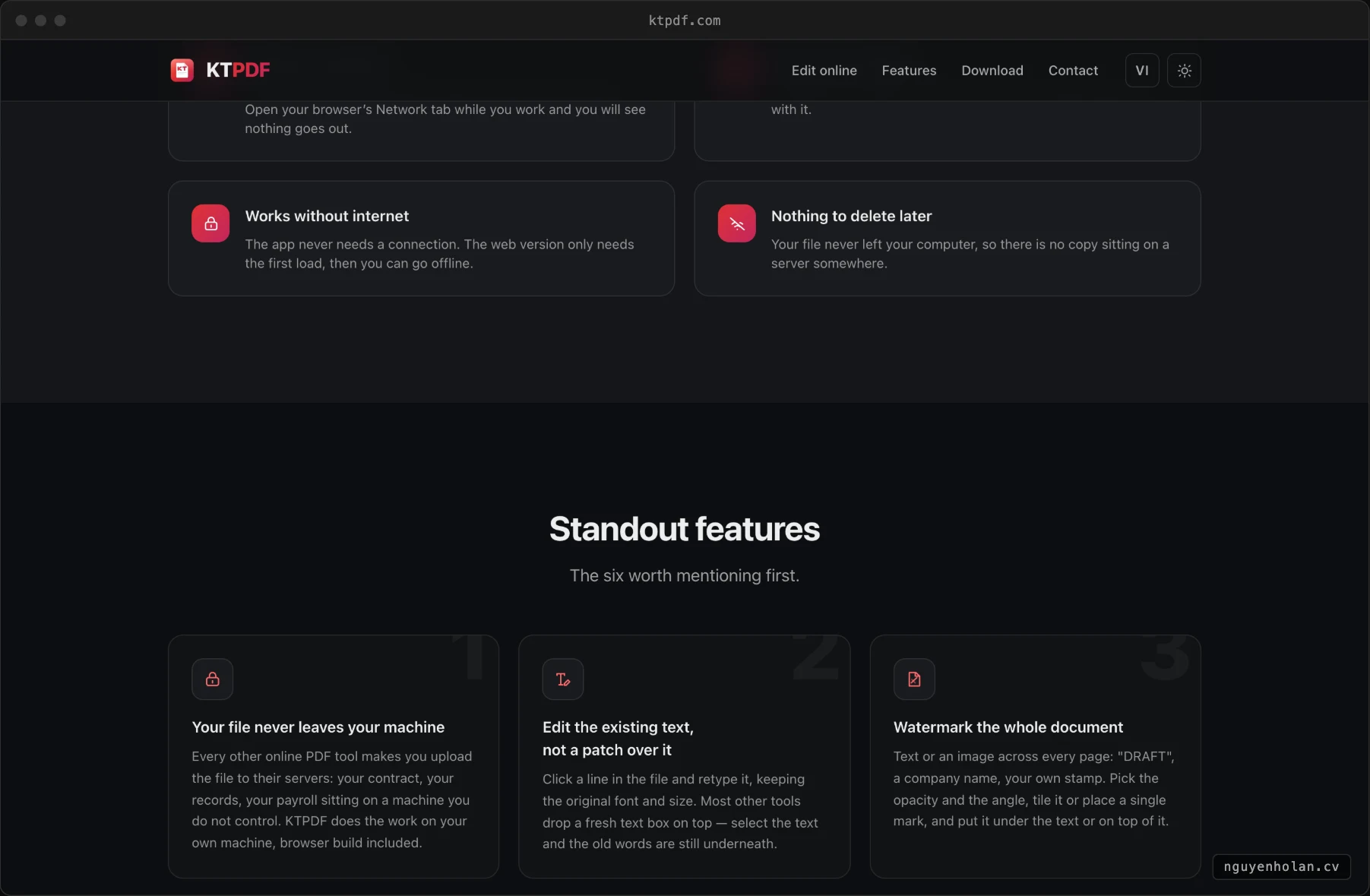
No usage limits
No account, no email, no daily cap.
Open your browser's Network tab while you work and you will see nothing goes out.
Why it runs on the reader's machine
Most online PDF tools make you upload the file to their server, process it there and send it back. Contracts, medical records, personal paperwork — the things people most often need to edit — are exactly the things that should not leave the machine. KTPDF runs pdf-lib and pdf.js with WebAssembly decoders inside the browser, so the problem does not arise. The macOS and Windows builds work with no connection at all.
Stack and infrastructure
Screenshots