MacXa
Your own Mac from anywhere — another Mac, an iPhone, or just a browser
- macOS
- iOS
- Web
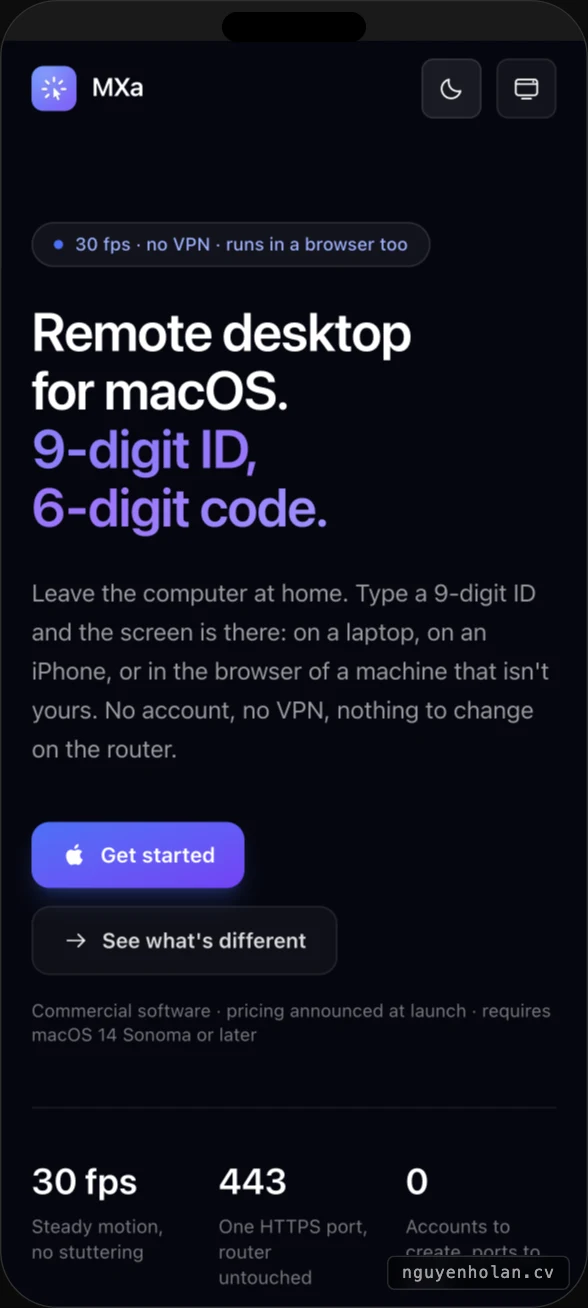
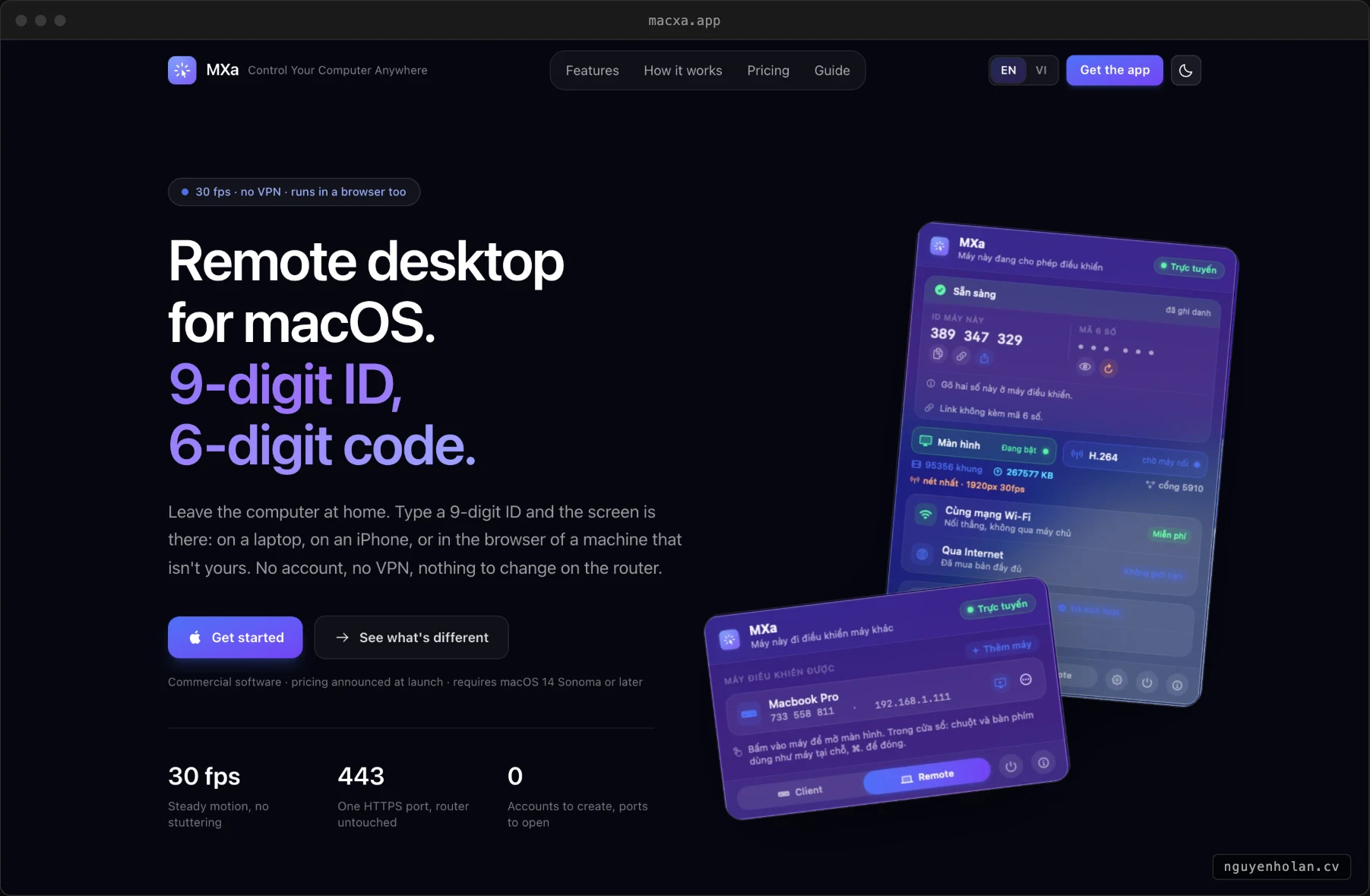
Leave the computer at home. Type a nine-digit ID and the screen is there: on another Mac, on an iPhone, or in the browser of a machine that isn't yours. It wakes the machine from sleep, so nothing has to sit awake all day waiting. No account, no VPN, nothing to change on the router.
What is different here
Direct link, blind relay
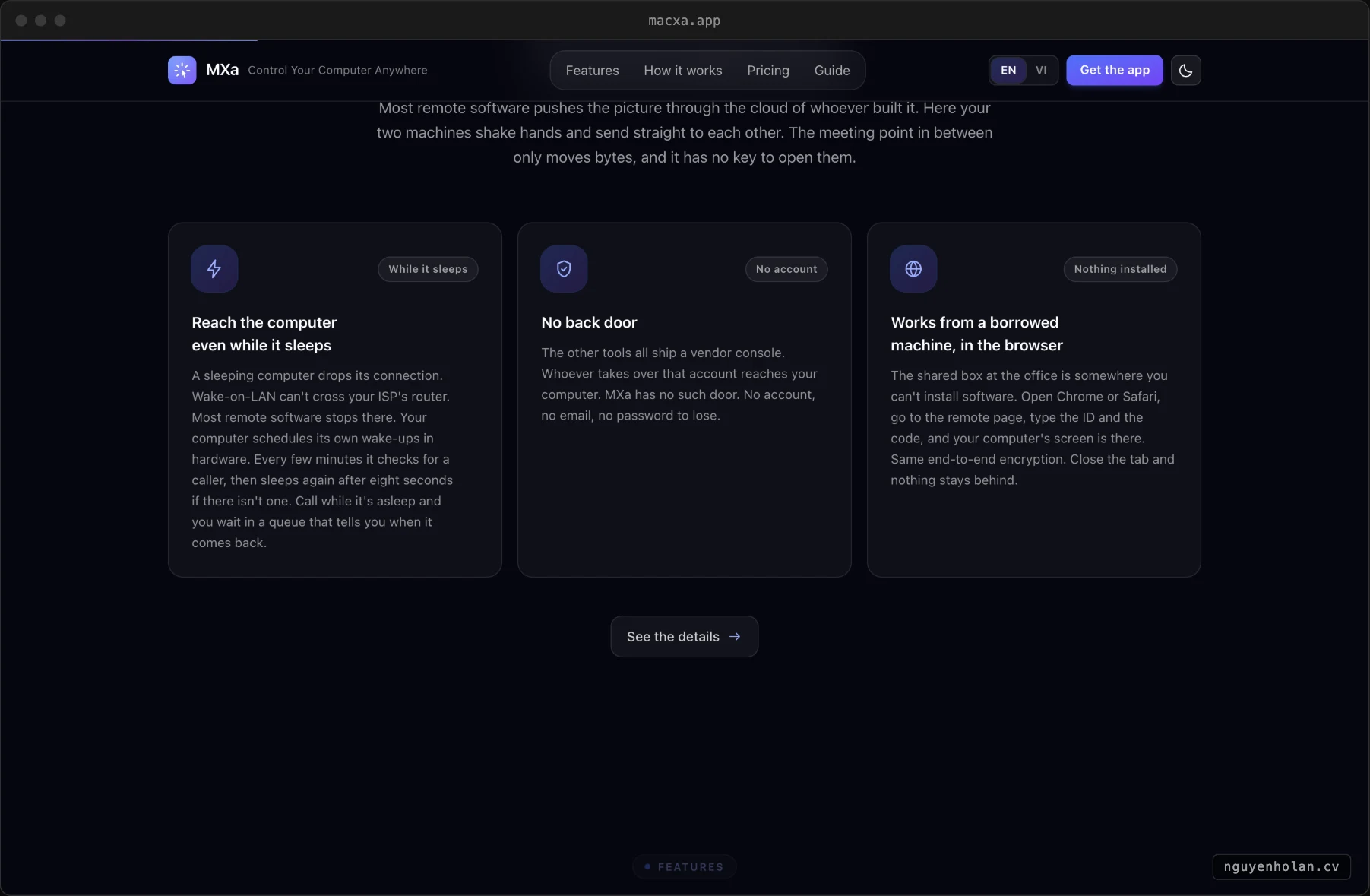
Most remote software pushes the picture through the vendor's cloud. Here the two machines shake hands and send straight to each other; the meeting point only moves bytes and has no key to open them.
Reach it while it sleeps
The computer schedules its own wake-ups in hardware, checks every few minutes for a caller, and sleeps again eight seconds later if there isn't one.
9-digit ID, 6-digit code
The ID finds the machine, the code lets you in. No account to create.
Works from a browser
On a machine where you cannot install anything, the session still opens.
A real Mac keyboard
Command, Option and the shortcuts you already have in your fingers.
Sparkle updates
The macOS build updates itself the way Mac apps are expected to.
Stack and infrastructure
Screenshots